How to Compare IPTV and Live TV Services Without Guessing
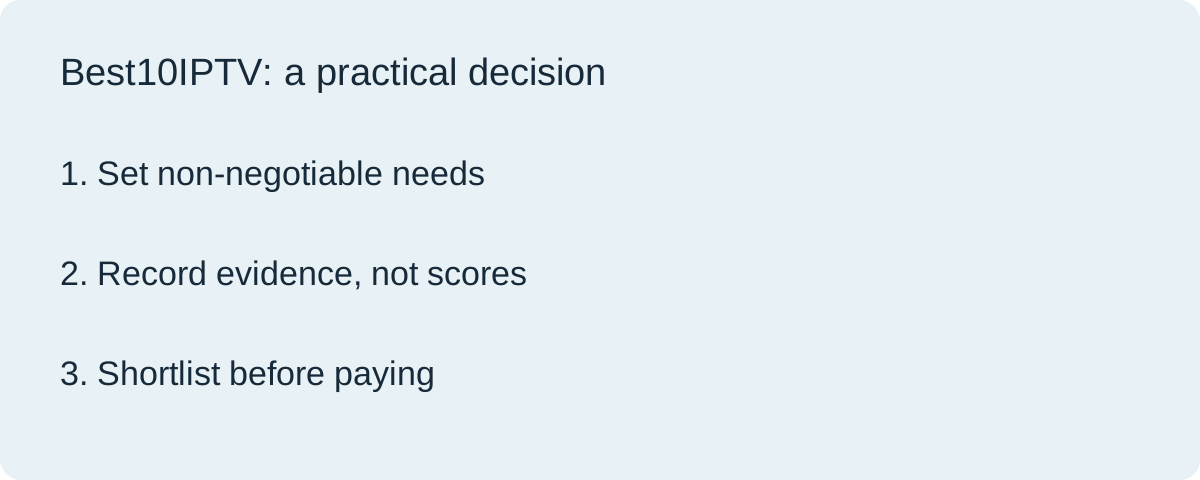
To compare IPTV services, first remove offers that fail an essential requirement. Then compare the remaining options on your real device, total cost and written subscription terms. An impressive channel count should not outweigh a missing programme, unusable app or unclear payment commitment.
Commercial disclosure: Best10IPTV has commercial connections with some featured services. This is a research-based decision worksheet, not a ranking based on hands-on provider tests. Example offers below are fictional.
Turn your viewing habits into five requirements
Start with what you intend to buy, rather than a search for the largest catalogue. Write down your country, exact television or streaming-device model, programmes you cannot miss, simultaneous viewers and maximum initial payment. Include accessibility or language needs that would make a plan unusable if absent.
Separate requirements from preferences. Two people watching at the same time may be essential; an extra library of films may be optional. A channel available in another country does not satisfy a local requirement. Confirm programme availability and distribution rights through reliable official information; do not treat a logo or seller's channel list as proof.
Use pass, fail and unknown before scoring
A numerical rating can hide a deal-breaking problem. Instead, mark each essential item Pass only when you have suitable evidence, Fail when the offer does not meet it, and Unknown when the answer is missing. Unknown is a follow-up question, not an implied promise.
| Requirement | Evidence to keep | Decision |
|---|---|---|
| Required programme in your region | Current official availability and the seller's precise written answer | Pass / Fail / Unknown |
| Intended TV and player | Device model, app version and your trial observations | Pass / Fail / Unknown |
| Simultaneous viewing | Written connection limit and permitted use | Pass / Fail / Unknown |
| Payment commitment | Order total, duration, renewal and cancellation details | Pass / Fail / Unknown |
Save the date and source beside each answer. A search snippet or an old comparison article may describe a plan that has changed. If a material answer remains unknown, postpone the purchase or remove the offer from the shortlist.
Test on your real device
A working phone demonstration does not establish that navigation, subtitles or playback will suit your living-room television. Where a suitable trial is available, use the device, connection and player you intend to keep. Open the exact programmes you need and practise ordinary tasks: finding a channel, changing audio, returning to the guide and reopening the app.
Record observations without turning one short session into a reliability guarantee. Note the date, device, network and what happened. Use the free-trial checklist for the session, and the Fire TV checklist when that is your intended device. Do not buy hardware solely because a seller promises it will solve an unmeasured problem.
Reduce the list to three plausible offers
The following example illustrates a decision process; it does not describe actual providers, prices or results. Imagine that two concurrent viewers and a supported TV player are essential. Offer A supplies a written two-stream limit but leaves the player licence unclear. Offer B supports the player but allows only one stream. Offer C documents both requirements, subject to a trial.
- A: hold. Ask whether the player needs a separate payment and which product provides support.
- B: remove or requote. A cheaper single-stream offer does not meet this household's stated requirement.
- C: test next. Written compatibility makes it a candidate, not a proven winner.
Once a shortlist contains only workable candidates, compare preferences such as guide organisation or support channels. This order prevents a discount or a huge library from rescuing an offer that cannot meet your essential needs.
Compare the full cost over one period
Use the same currency and duration for every offer. Include required player licences, additional connections and equipment. Separate charges due now from later renewal charges. Our total-cost worksheet contains the calculation steps, so this article does not repeat them or present guessed provider prices.
Read the actual order summary before authorising payment. The FTC's subscription guidance recommends understanding trial and recurring-charge terms. Keep your own record of the amount and any cancellation deadline. This practical step is useful even when an offer does not renew automatically.
Measure support, not promises
Ask one precise pre-sale question using your device and requirement list. A useful response should answer that question rather than send a generic sales message. Record what support covers, where you contact it and whether a player problem is handled by the service or by a separate app developer. A quick reply alone does not establish sustained service quality or content rights.
Choose the next action
Open our ten-service comparison with your requirement list, then check the current provider information. For a commercially connected option, visit TereaTV for current plans and setup details. Only proceed when the requirements, trial observations and order terms align. If none qualifies, keeping your current arrangement is a valid decision.
Questions before buying
How many IPTV providers should I compare?
There is no required number. A shortlist of two or three offers that pass your essential checks is usually more manageable than a long list with missing evidence.
Does the biggest channel list make a service best?
No. Exact programme availability, authorised regional access, device usability and the subscription terms matter more than a catalogue total.
Should I pay annually after a successful short trial?
A short trial cannot establish long-term reliability. Choose the commitment you can accept after reading the current renewal, cancellation and refund terms.